
PC Oscilloscopes
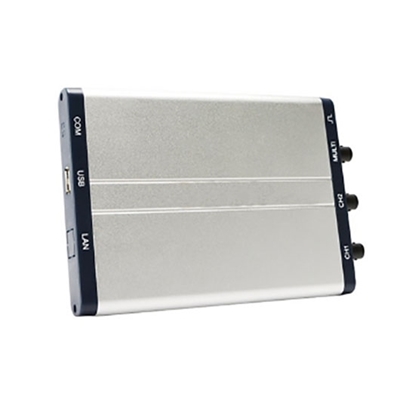
25 MHz PC Based Oscilloscope, Dual Channel, 100 MSa/s
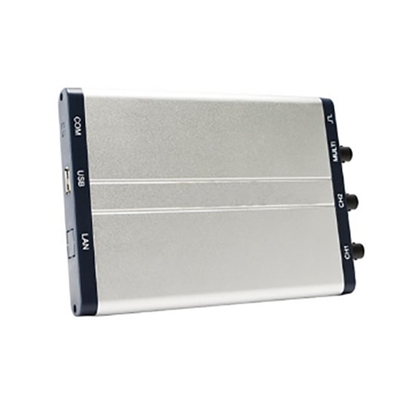
60 MHz PC Based Oscilloscope, Dual Channel, 1 GSa/s
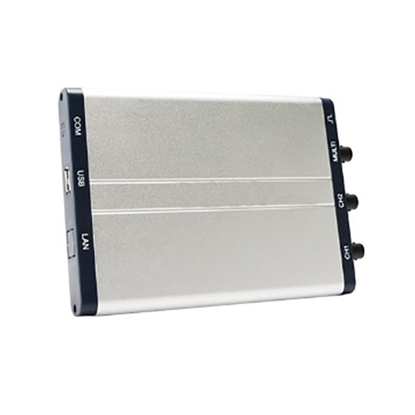
60 MHz PC Based Oscilloscope, Four Channel, 1 GSa/s
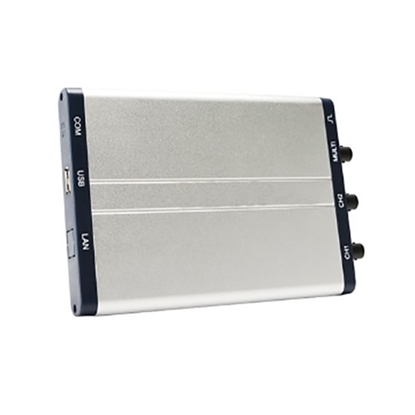
100 MHz PC Based Oscilloscope, Dual Channel, 1 GSa/s
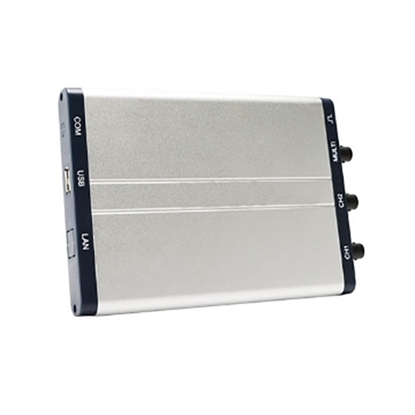
100 MHz PC Based Oscilloscope, Four Channel, 1 GSa/s
A PC Oscilloscope is a computer-based virtual oscilloscope that uses dedicated hardware and software to capture, analyze, and display electrical signals. The most common types are USB PC Oscilloscopes, PCI/PCIe PC Oscilloscopes, Ethernet PC Oscilloscopes, and Portable PC Oscilloscopes. Compared with traditional benchtop oscilloscopes, PC-based oscilloscopes offer greater flexibility, easier software upgrades, powerful data processing, and cost-effective scalability for laboratory, industrial, automotive, and embedded testing applications.
Applications of PC Oscilloscopes
- Advanced Test & Verification: The PC-based oscilloscope seamlessly bridges design and simulation, delivering high data throughput and precise multi-channel synchronization to accelerate product R&D, automated production testing, and complex electronic diagnostics.
- Scalable System Expansion: Instead of buying costly desktop instruments, users can easily adapt to evolving testing demands by simply adding new modules or updating software algorithms on this open-architecture PC Oscilloscope.
- Industrial & Adaptive Control: Perfectly suited for advanced industrial monitoring, the PC-based oscilloscope efficiently handles complex, dynamic control algorithms and versatile I/O types across logic and process networks.
- Automotive & Embedded Testing: Highly optimized for automotive testing and embedded development (e.g., Raspberry Pi), the PC Oscilloscope provides a cost-effective, portable virtual instrument for vehicle diagnostics and hardware-in-the-loop (HIL) testing.
PC Oscilloscope Specifications
Here is the final technical specification summary for the ATO standard USB series PC-based oscilloscopes, capturing the core performance metrics of each model for quick comparison.
| SKU | Bandwidth | Channels | Sample Rate | Record Length(Storage) | Key Features / Application |
| ATO-PBO-25 | 25 MHz | 2 Channels | 100 MSa/s | 5K | Entry-level & Lightweight: Budget-friendly, minimal power consumption (≤2.5W). |
| ATO-PBO-60 | 60 MHz | 2 Channels | 1 GSa/s | 5K | High Sampling Dual-Ch: Balance of 60MHz bandwidth and fast 1 GSa/s real-time sampling. |
| ATO-PBO-60F | 60 MHz | 4 Channels | 1 GSa/s | 5M | 4-Channel Mid-range: Expanded channels with a larger 5M memory depth for long waveforms. |
| ATO-PBO-10 | 100 MHz | 2 Channels | 1 GSa/s | 10M | Deep Memory 100MHz: Premium dual-channel model with 10M deep storage and 2ns/div timebase. |
| ATO-PBO-100F | 100 MHz | 4 Channels | 1 GSa/s | 5M | Flagship 4-Channel: Top-tier 100MHz bandwidth across 4 channels for complex hardware debugging. |
PC Oscilloscopes FAQs
Master your PC Oscilloscope settings with this essential FAQ. Learn to detect waveform aliasing, capture fast glitches using Peak Detect, and maximize memory depth for accurate, high-bandwidth signal measurements.
Q1: Is the bandwidth claimed by PC-Based Oscilloscopes 100% accurate?
A: Not always. The bandwidth specification of a PC-based oscilloscope refers to its analog bandwidth under standard test conditions, and actual performance may be lower when measuring fast transients or high-frequency spikes.
Q2: What is "Aliasing" in PC Oscilloscopes and how do I spot it?
A: Aliasing occurs when a PC oscilloscope sampling rate is too low for the input signal. If the displayed waveform frequency changes dramatically as you adjust the timebase, aliasing is likely affecting the measurement.
Q3: How do I capture long trends without missing fast glitches on Virtual Oscilloscopes?
A: Use Peak Detect mode on a virtual oscilloscope to capture narrow voltage spikes and transient events. This feature helps preserve fast glitches while recording long-duration signals.
Q4: Why do USB Oscilloscopes need a larger Record Length (Memory Depth)?
A: A larger USB oscilloscope memory depth allows more waveform samples to be stored at high sampling rates. This helps maintain signal accuracy and prevents waveform distortion during long acquisitions.
Q5: What is the best beginner workflow for PC Oscilloscopes?
A: Start with a fast timebase, use the PC oscilloscope Autoset function if needed, and maximize memory depth whenever possible. Then adjust trigger and scaling settings for a stable waveform display.
